Web App
For the shop: daily operations
Billing, orders, purchases, processing, stock, customers, suppliers, expenses and reports, worked from one screen at the counter or in the office.
See the Web App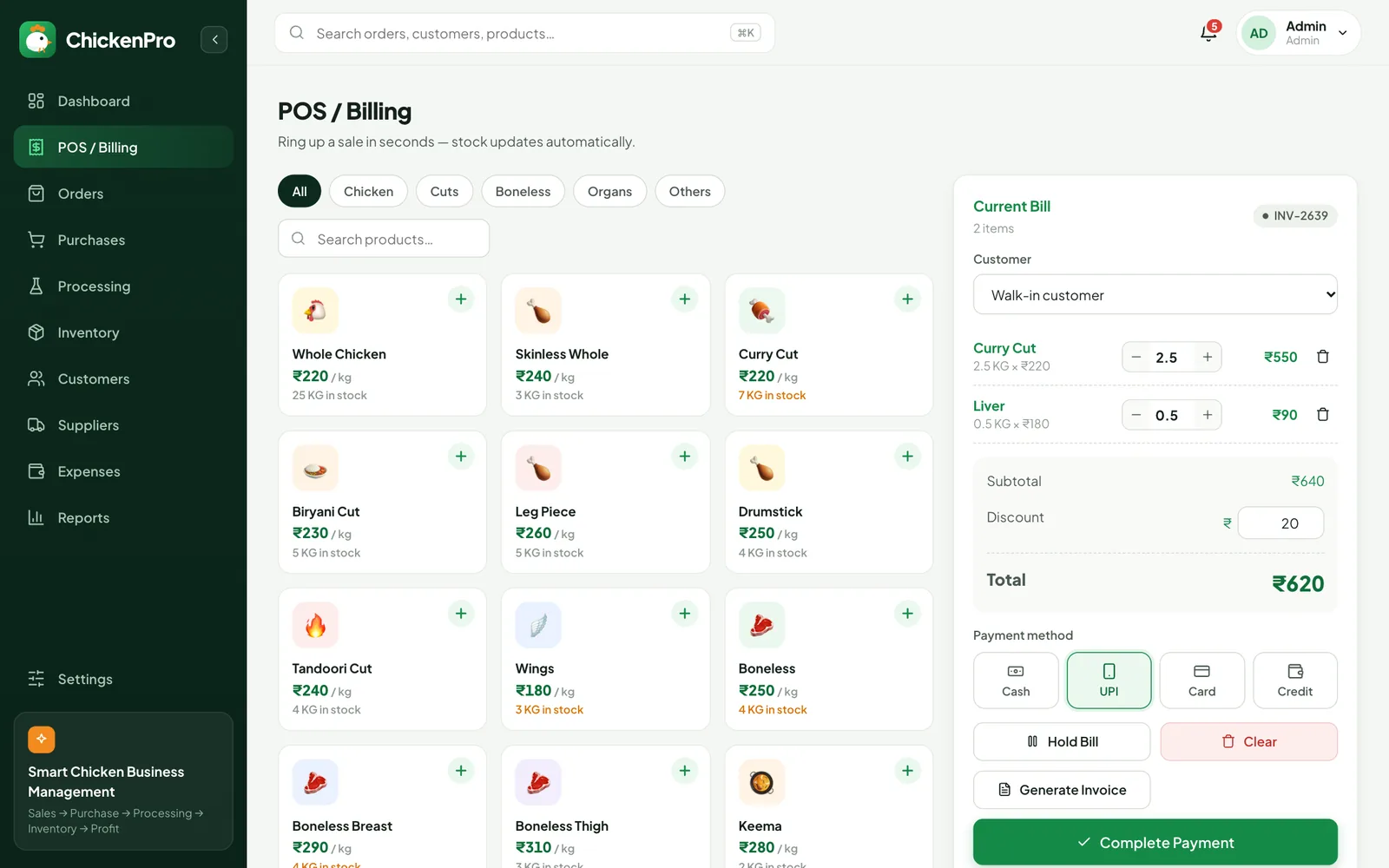
Smart business management for poultry and meat businesses
Complete billing, POS, inventory and business management for poultry and meat businesses. Operate your shop efficiently with our Web App and monitor everything from anywhere with our Mobile App.
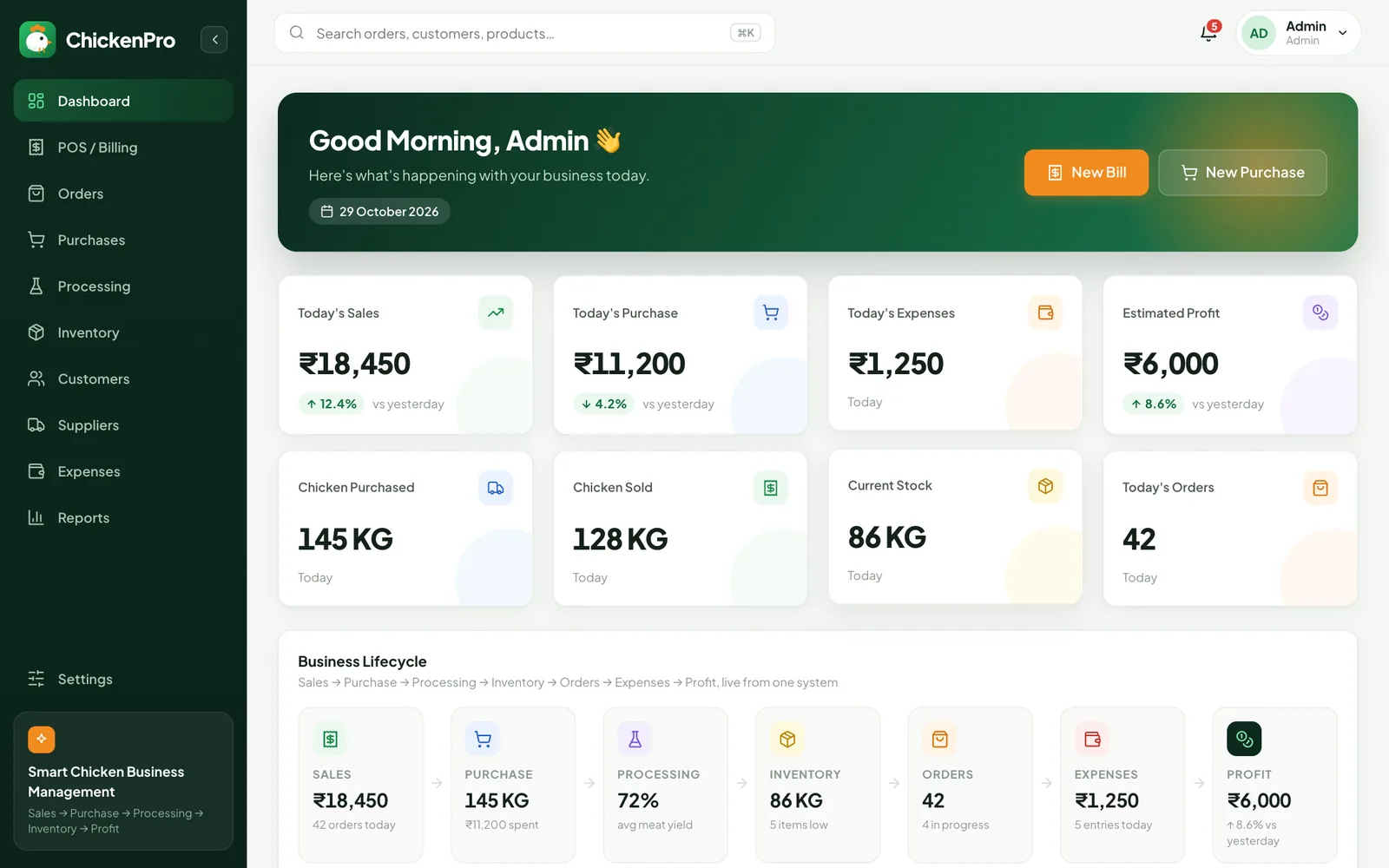
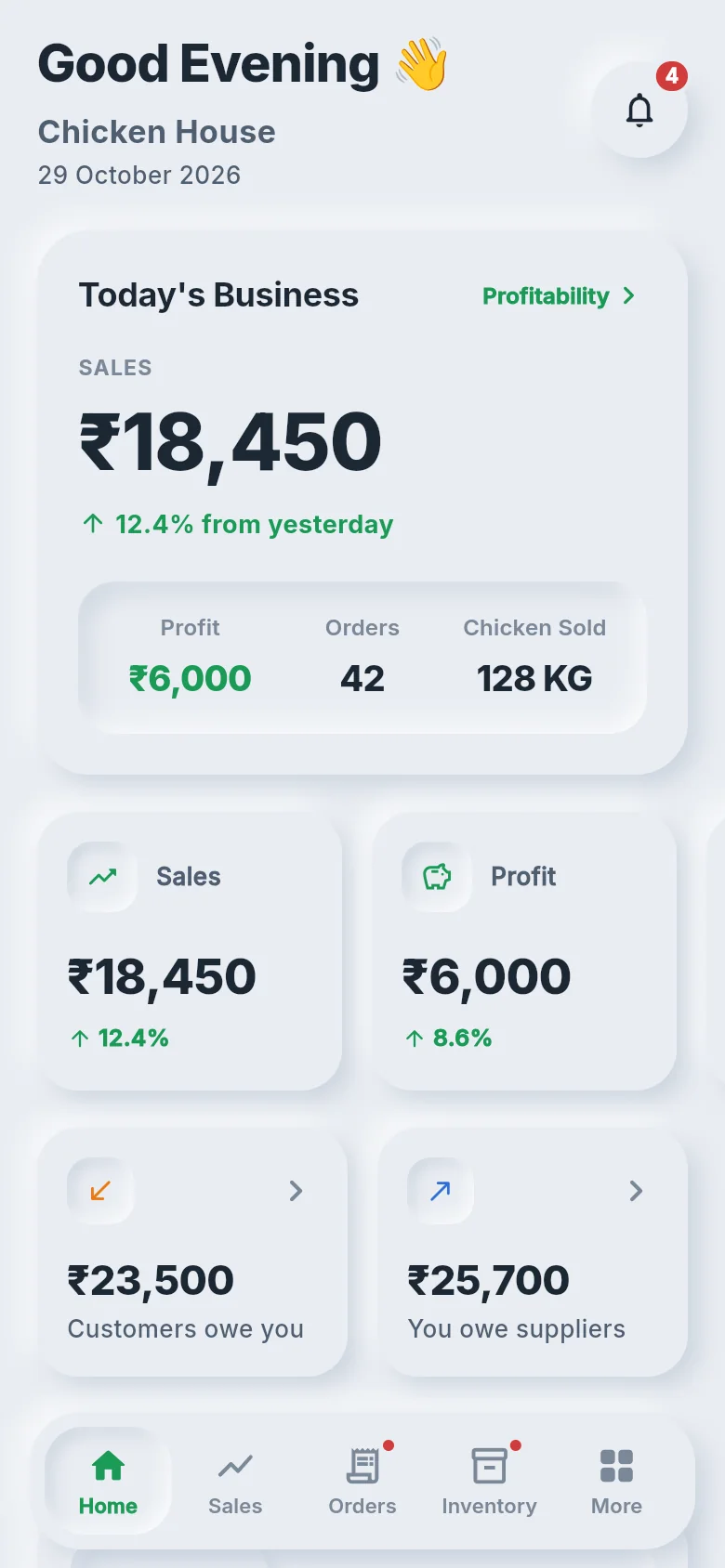
Screens show sample data from the demo, not real business figures.
A notebook and a calculator can carry a shop a long way. These are the places where they usually start to let you down.
Every bill is written by hand, then written again in the account book at night.
The day’s total is known only after closing, once the cash has been counted.
What the book says is in stock and what is actually in the shop do not agree.
You find out an item has run out when a customer asks for it.
It is hard to say which days, items or customers bring in the most.
Purchases, cutting, the counter and deliveries each live in a different book.
Chicken Pro is two connected applications. The Web App runs the daily work at the shop. The Mobile App keeps the owner informed wherever they are. Both are included.
Web App
Billing, orders, purchases, processing, stock, customers, suppliers, expenses and reports, worked from one screen at the counter or in the office.
See the Web App Mobile App
Today’s sales, orders, stock levels and alerts on your phone, so you can follow the shop without standing at the counter.
See the Mobile App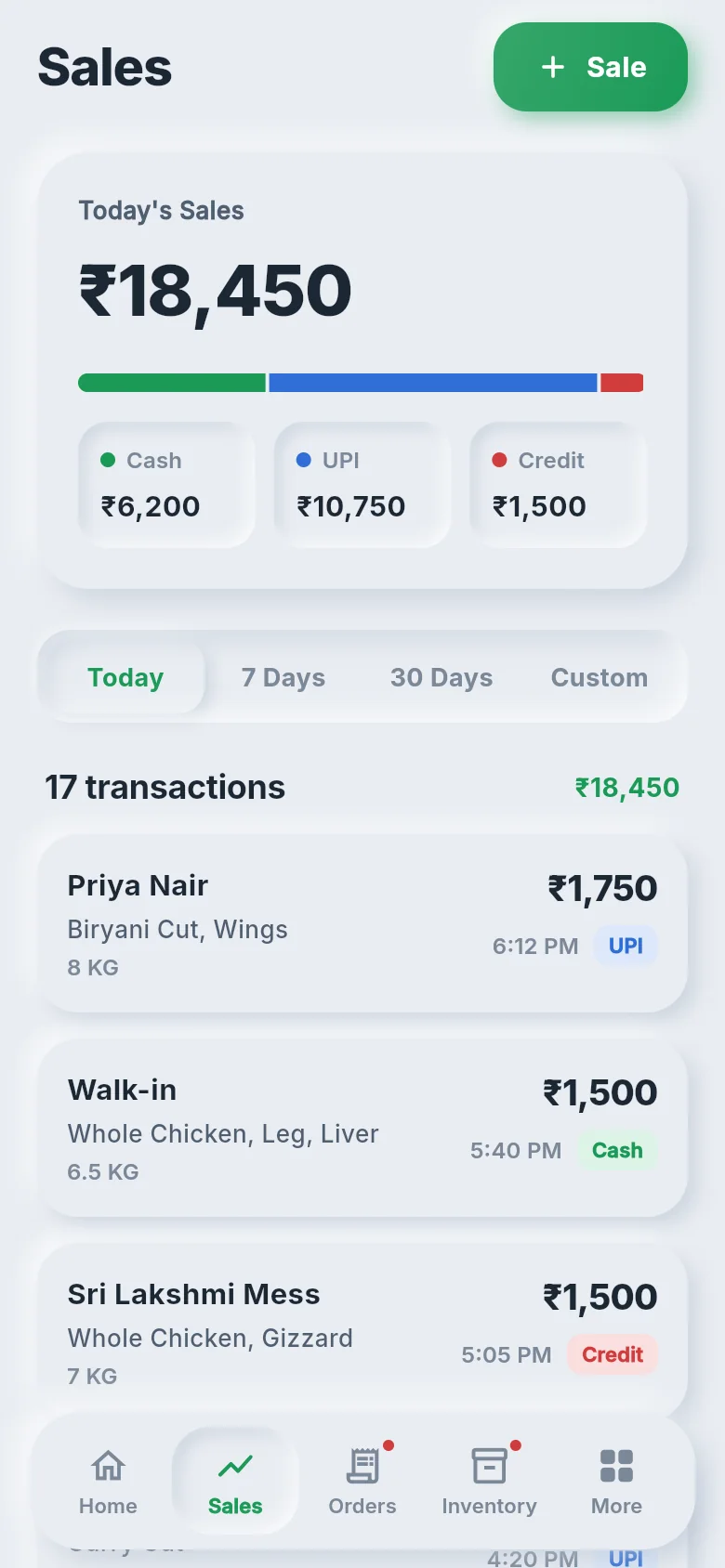
The Web App is where the work happens. Pick a module to see the real screen and what it does for the business.
Pick items, enter the weight and the bill totals itself. Add a discount, choose cash, UPI, card or credit, and stock updates as you bill.
Try billing in the demo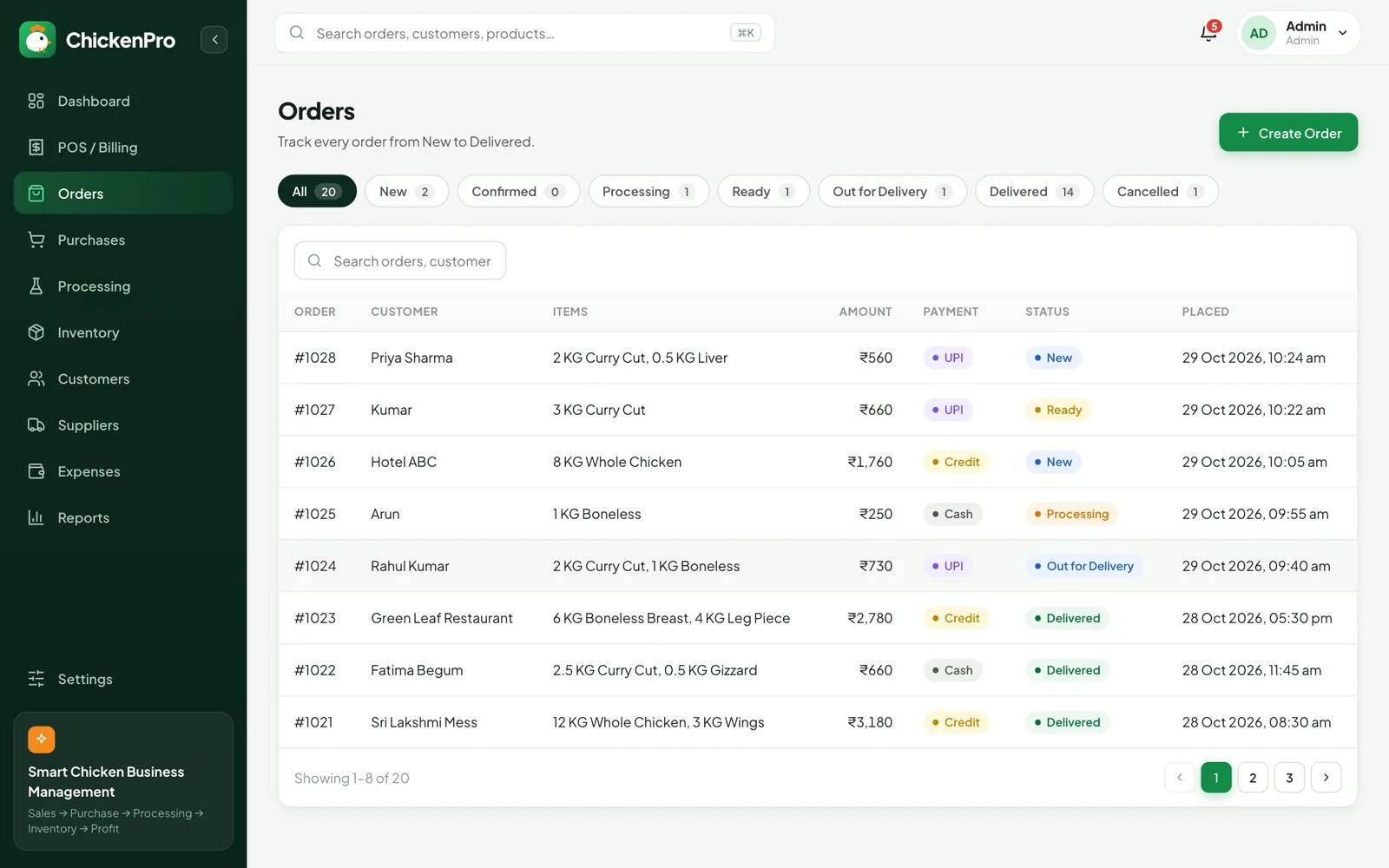
Keep every order in one list and move it from new to processing, ready, out for delivery and delivered, so nothing is forgotten on a busy day.
Open orders in the demo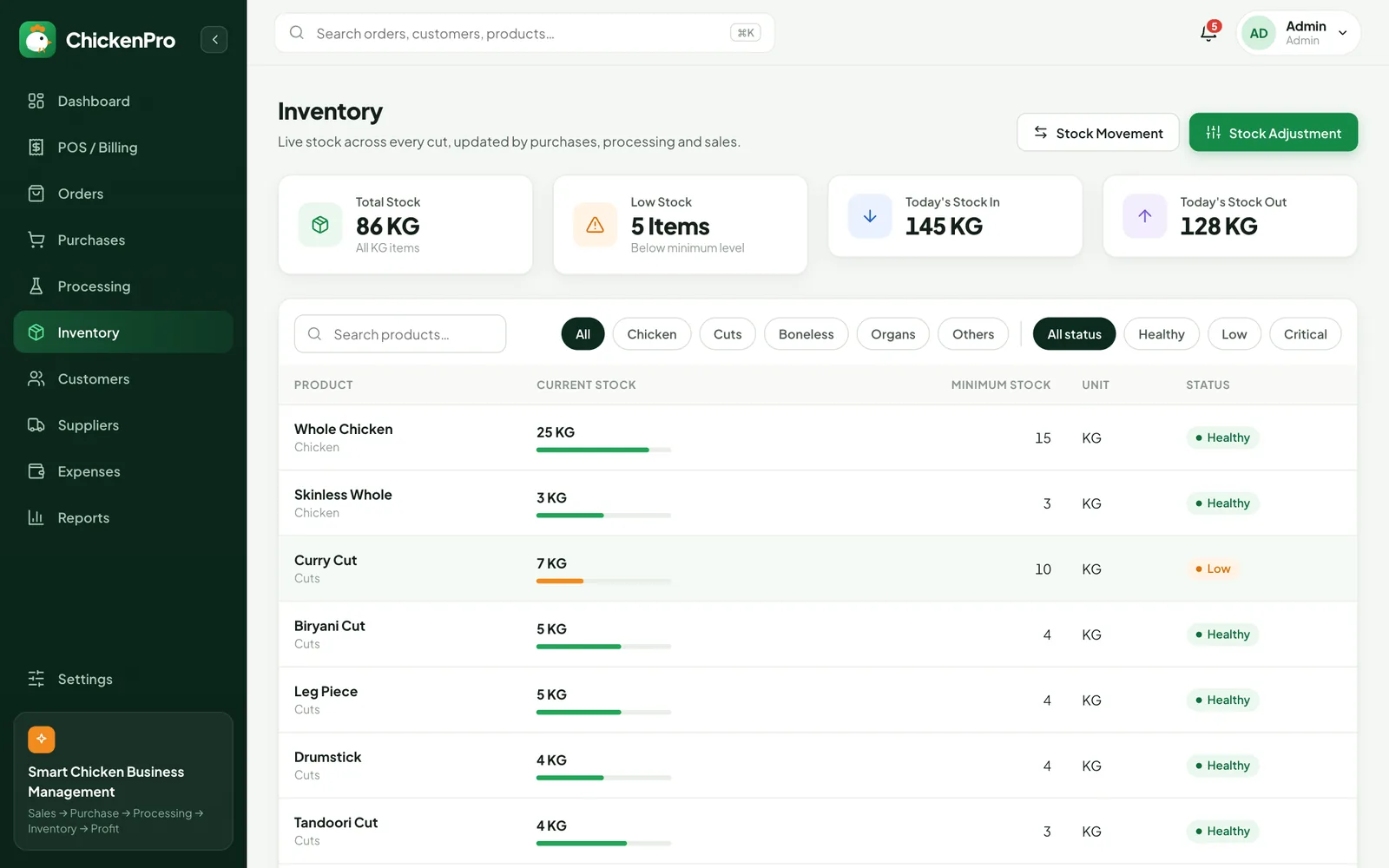
See current stock for every cut against its minimum level. Low and critical items are marked, and stock movements and adjustments are recorded.
View inventory in the demo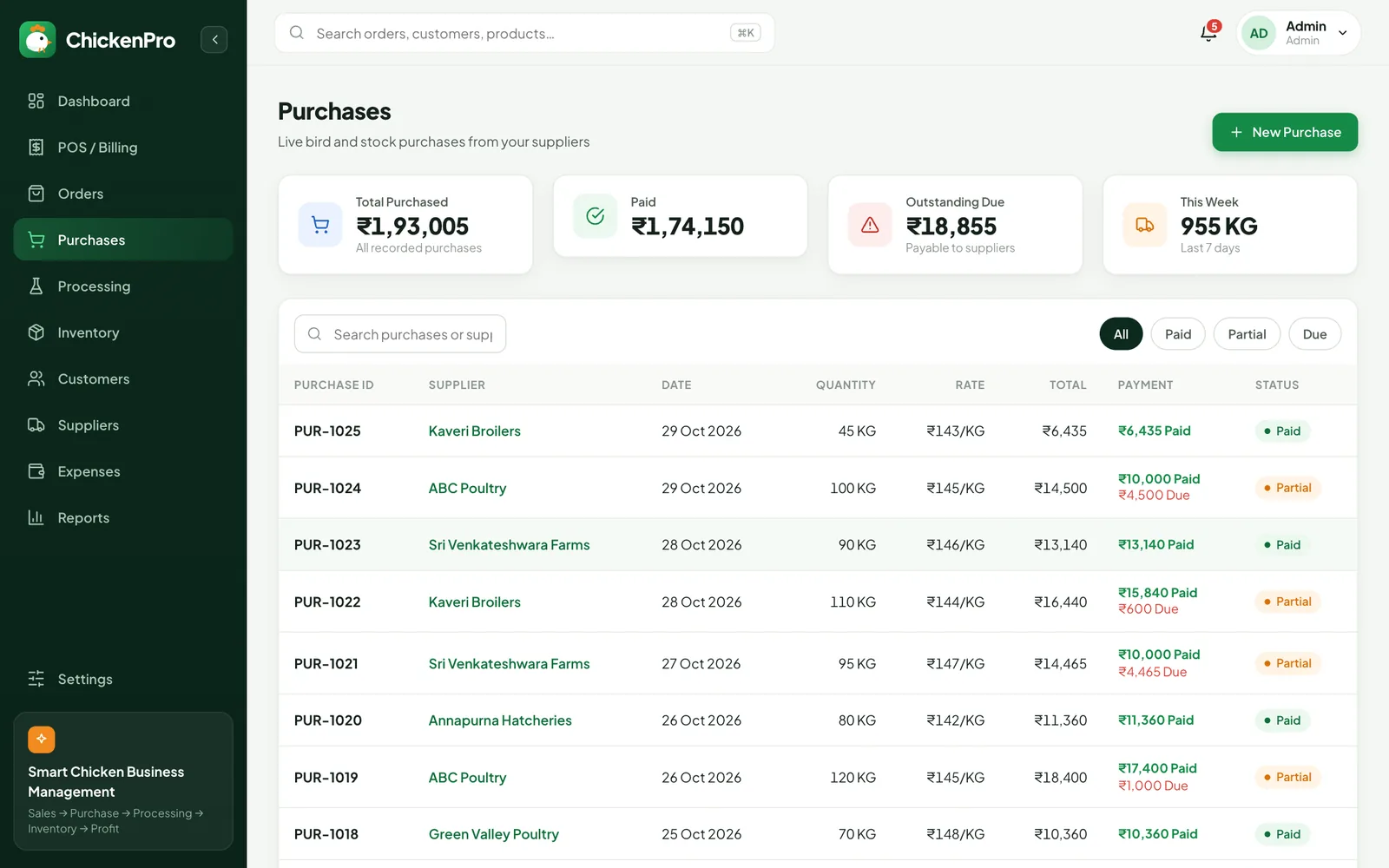
Record each purchase with quantity, rate and payment status, and keep a clear account of what you have paid and still owe each supplier.
See purchases in the demo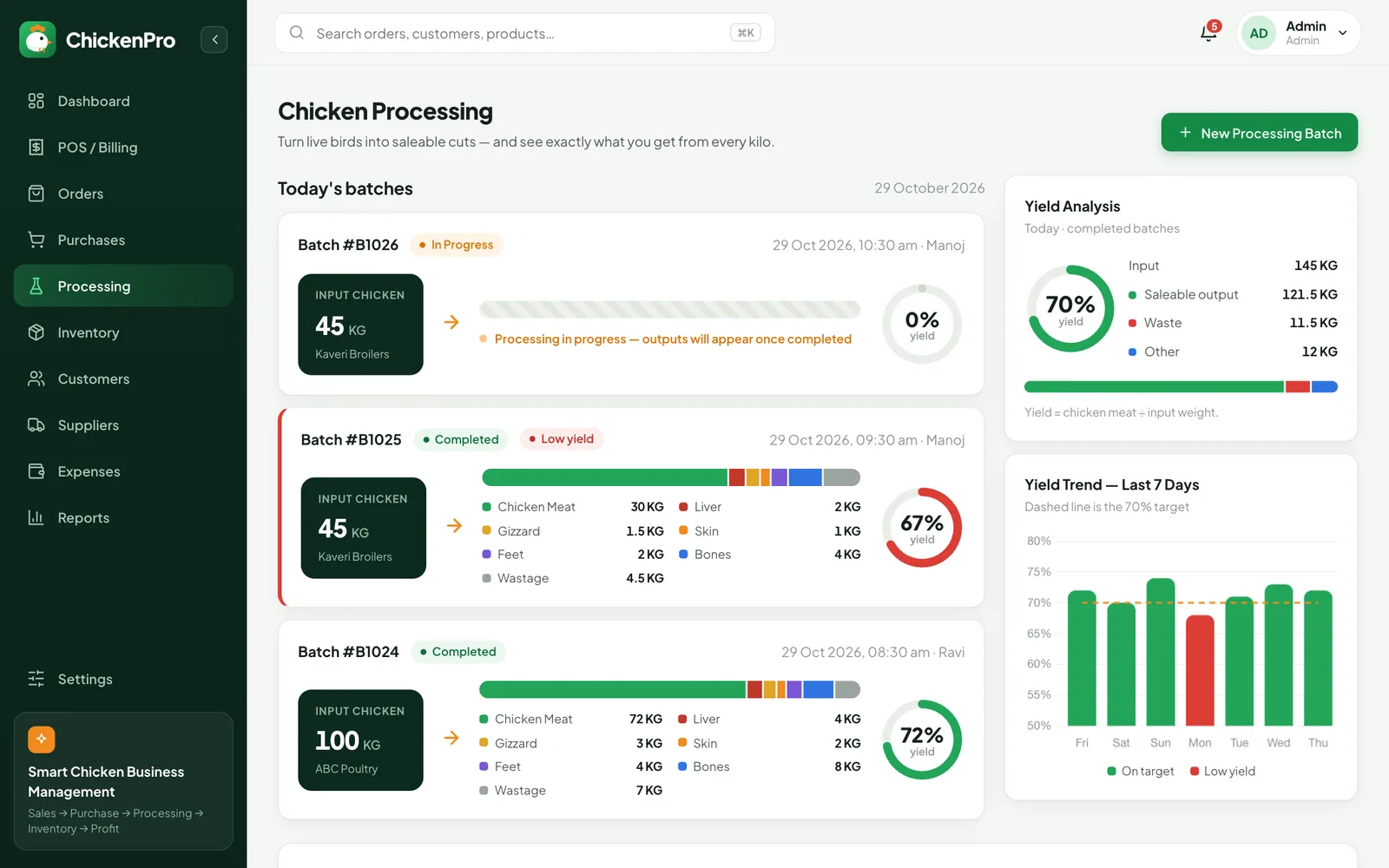
Log every batch of live birds and what came out of it: meat, cuts, organs and waste. You see the yield for each batch and how it moves over the week.
Explore processing in the demo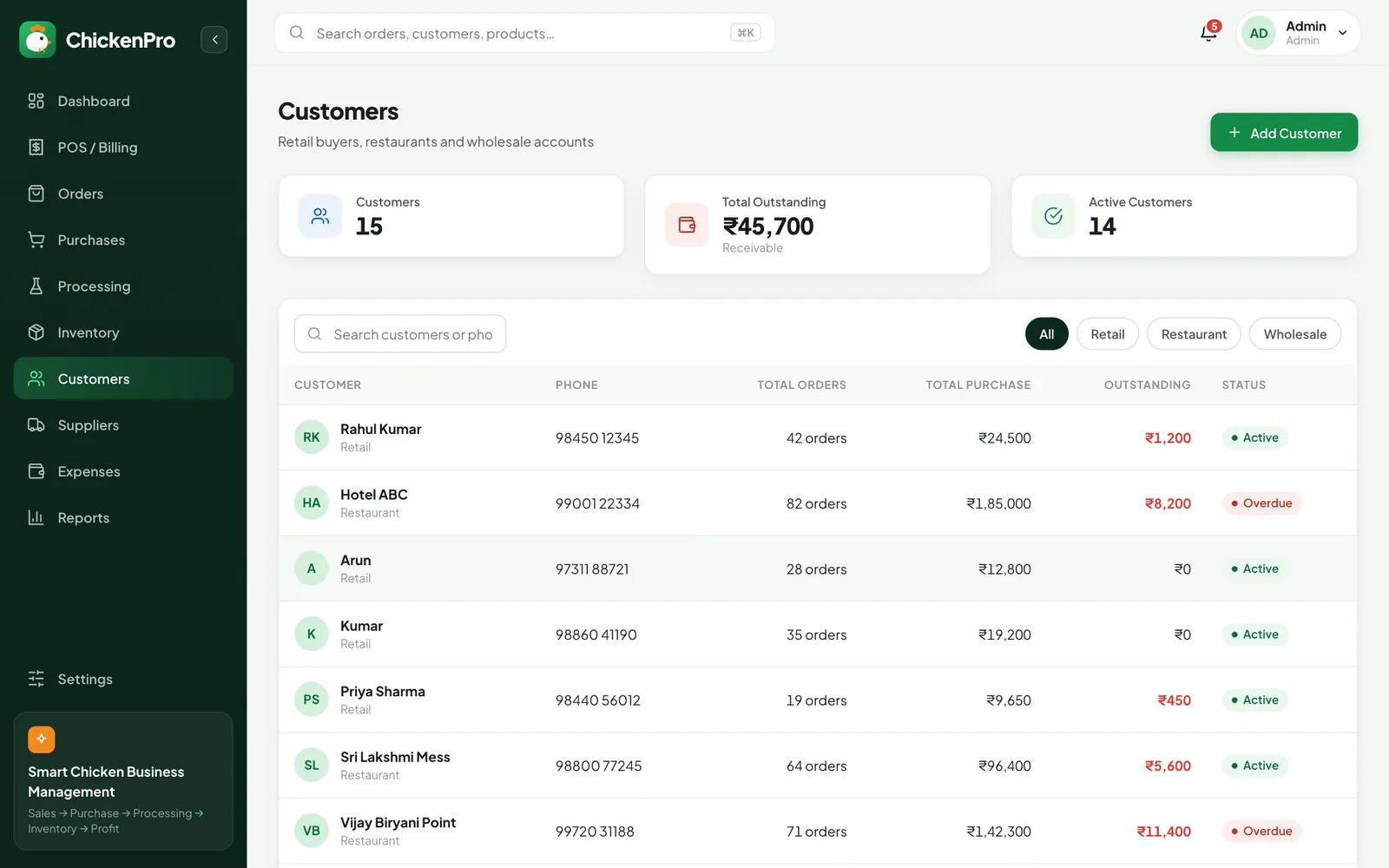
Keep retail, restaurant and wholesale customers with their order history and outstanding balance, so credit is tracked instead of remembered.
View customers in the demo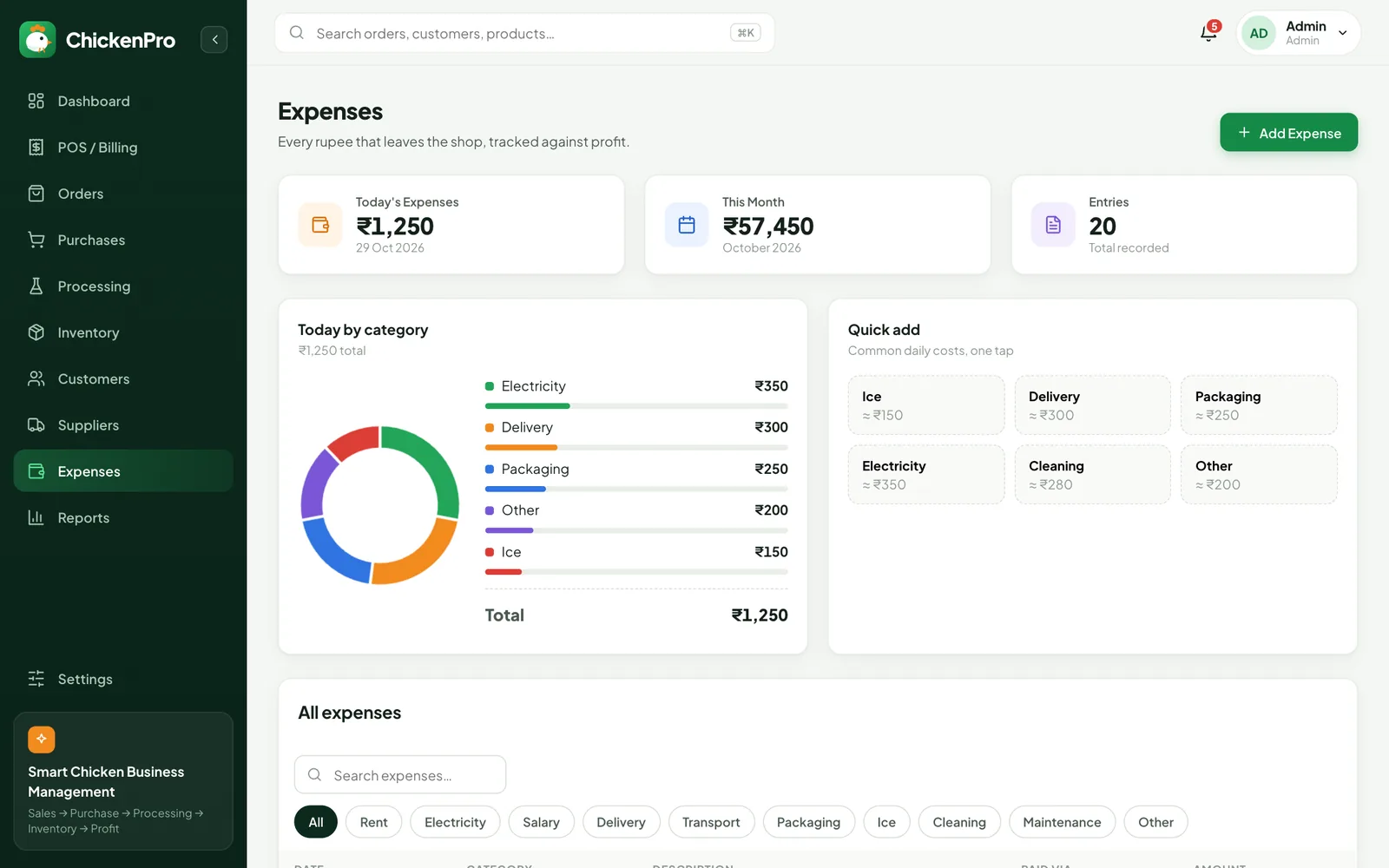
Note daily costs such as electricity, ice, packaging, delivery and salaries by category, and see where the month’s money went.
See expenses in the demo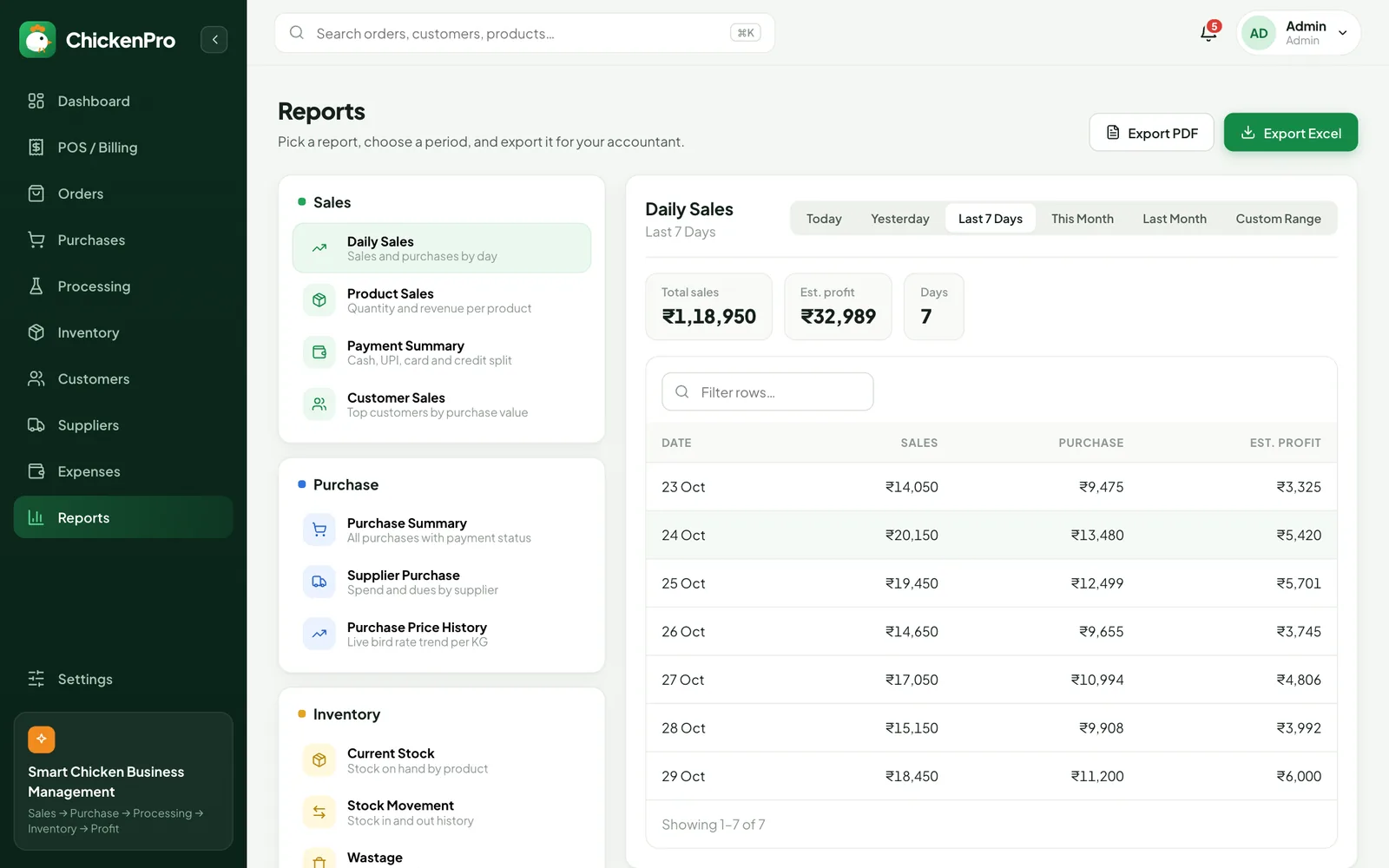
Sales, purchase, inventory and customer reports for the period you choose, with export options to share with your accountant.
Explore reports in the demo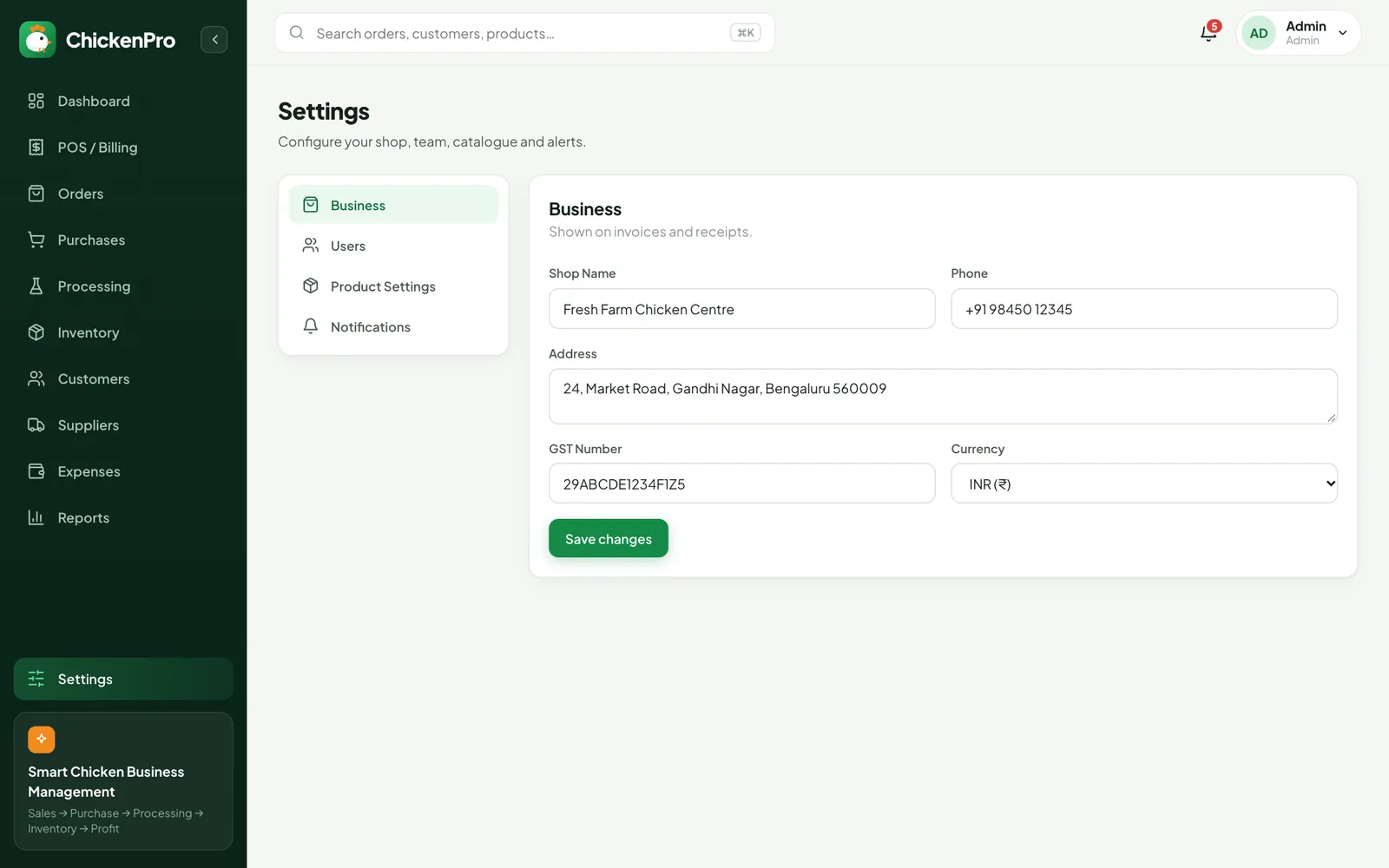
Set the shop details printed on invoices, manage users, product settings and which notifications you receive.
Open the demoReal screens from the demo, with sample data.
The Mobile App is the owner’s companion. It is built to tell you how the shop is doing within a few seconds of opening it, so you do not have to be at the shop all day to know what is going on.
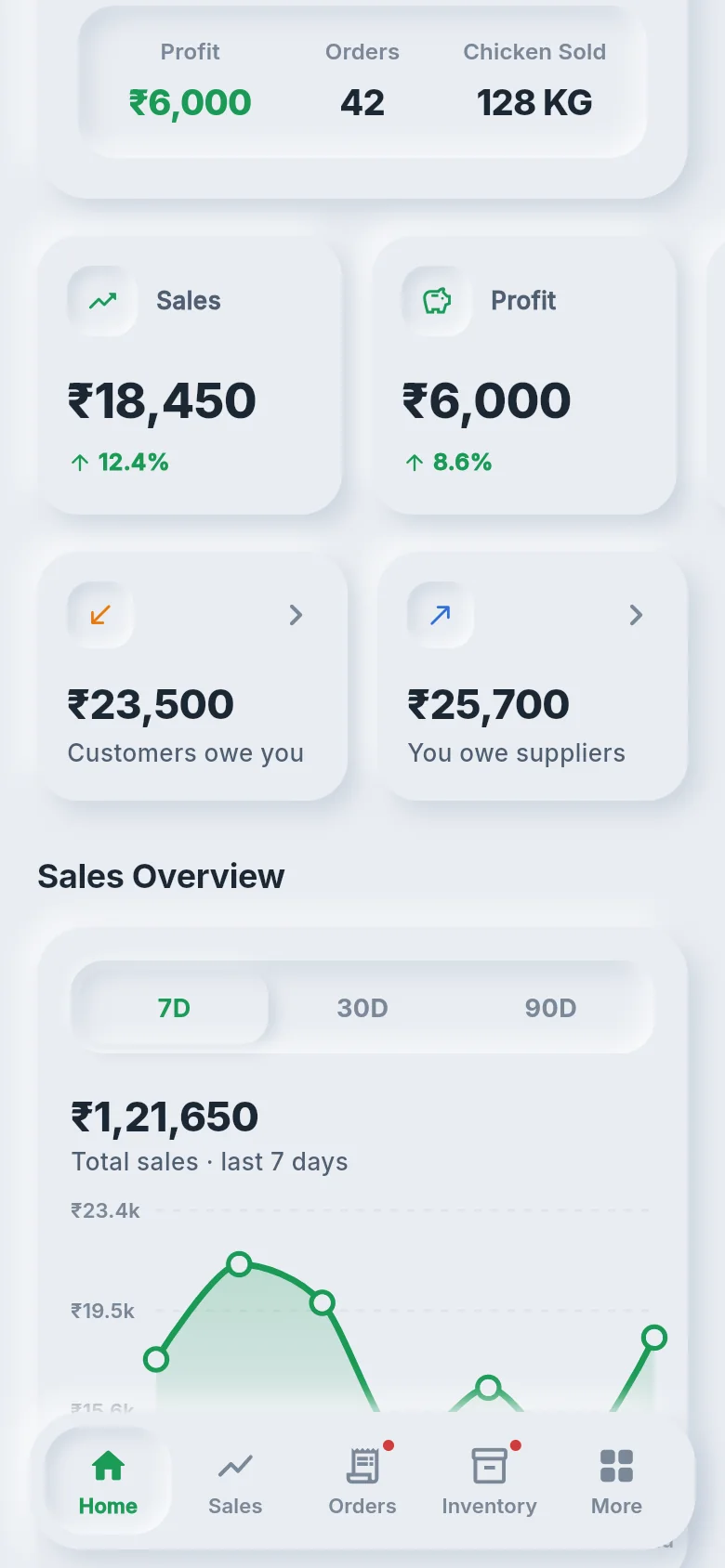
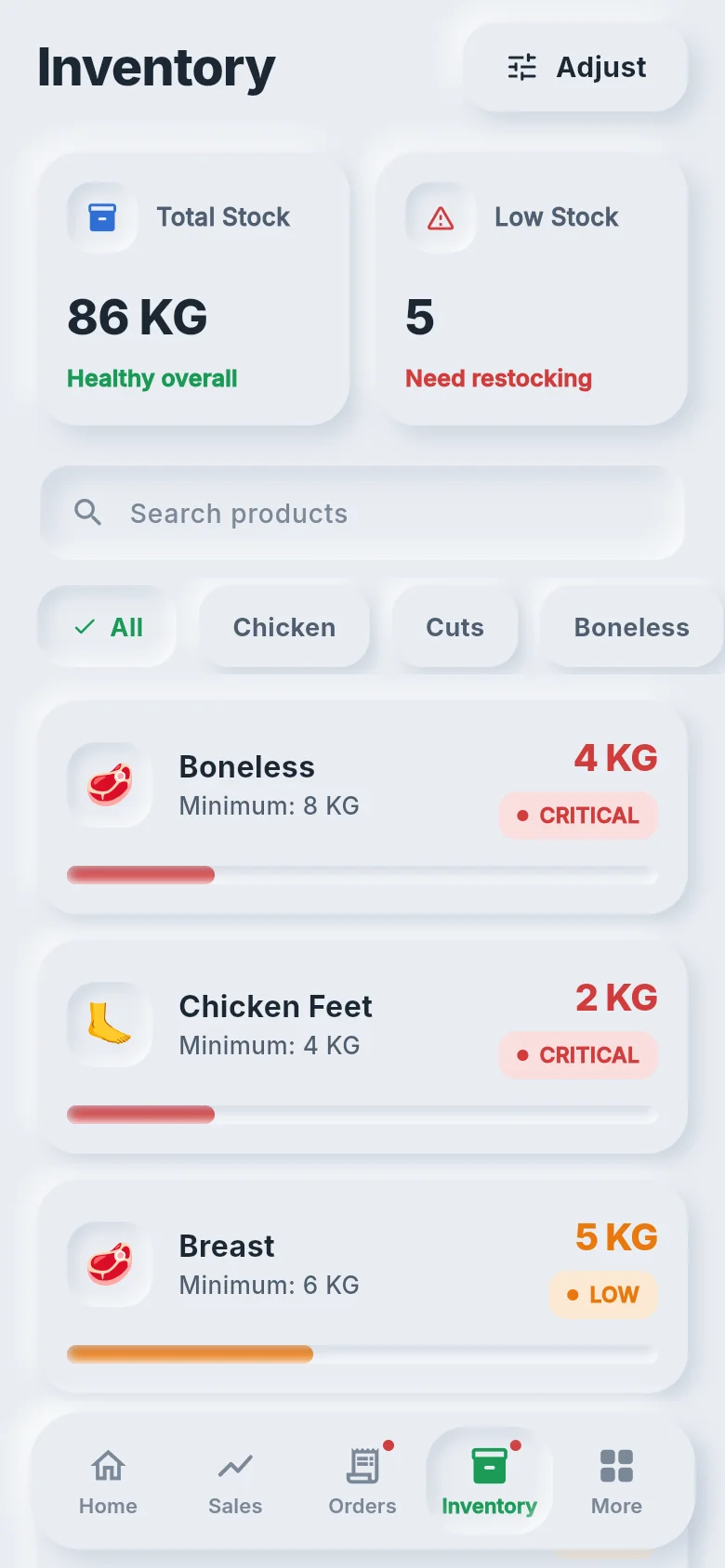
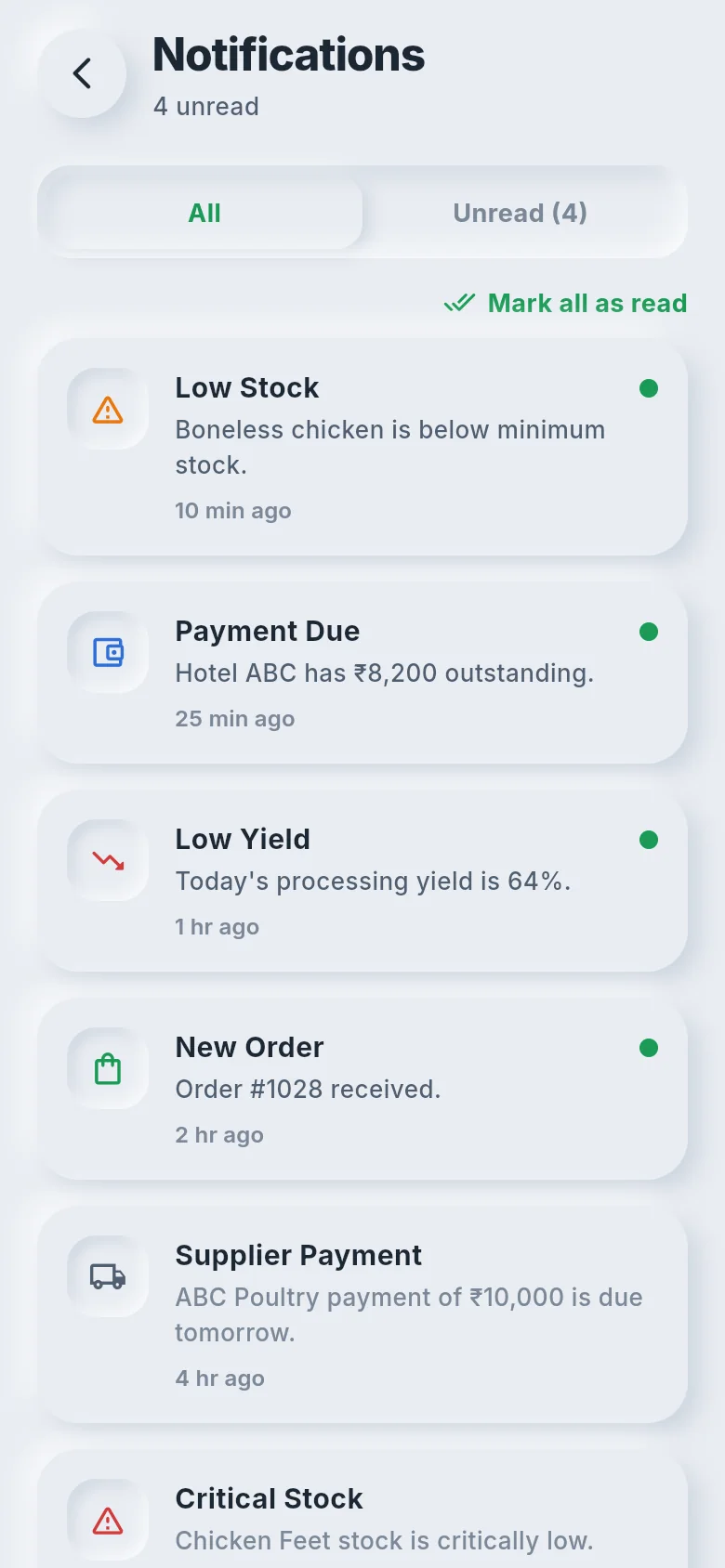
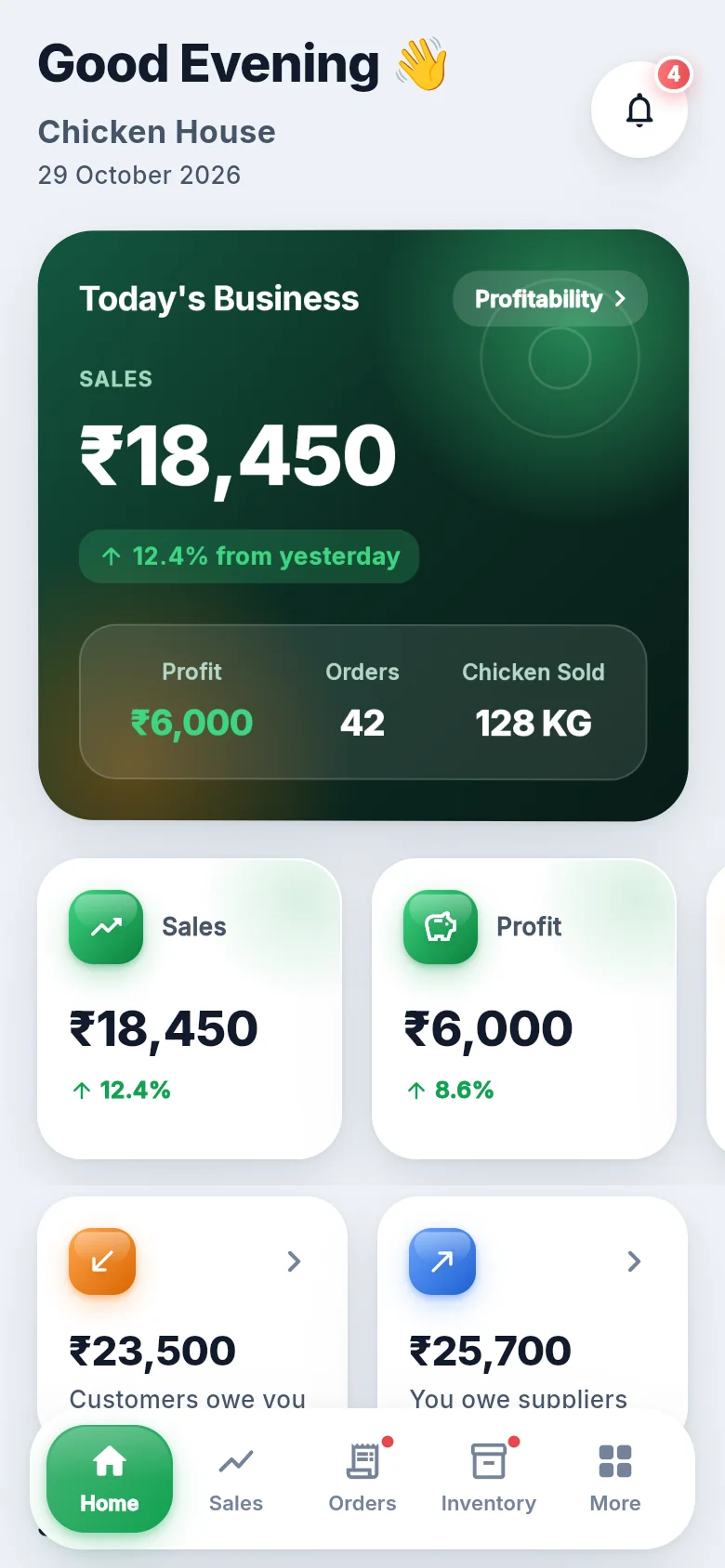
These are the working applications running on sample data, not a recording or a mock-up. No registration is needed.
Sign in with the demo login shown on the sign-in screen.
The Web App demo is best on a larger screen. On a phone, open it in a new tab.
Tell us about your business and we will share pricing and next steps.
Request PricingThe same platform works across these businesses. Tell us how yours runs and we will show you how it fits.
Quick billing by weight at the counter, daily stock of every cut and a clear closing total.
Purchases, processing batches and yield recorded alongside sales and expenses.
Restaurant and wholesale customers with their orders, credit and outstanding balances.
Billing, customers, expenses and reports for a shop that sells by weight.
Daily purchases, stock and sales kept in one place for fast-moving items.
One system for the counter, the stock room and the accounts.
Tell us about your business.
Experience the Web and Mobile applications.
Complete your setup and begin managing your business.
Sales, stock and dues are in front of you while the day is still going.
Bills, purchases and expenses are stored and searchable.
Bills are totalled for you, with the payment mode recorded.
Minimum levels and alerts point to items that need attention.
Reports for any period without adding up books by hand.
Counter, stock, customers and suppliers in one system.
The Mobile App keeps the owner informed away from the shop.
Chicken Pro is a business management platform for poultry and meat businesses. It covers billing and POS, orders, purchases, processing, inventory, customers, suppliers, expenses and reports, with a Mobile App for the owner.
It is made for chicken shops, poultry businesses, wholesale distributors, mutton shops, fish and seafood retailers and other meat retail businesses.
The Web App is the main system used to run daily operations such as billing, stock and purchases. The Mobile App is the owner’s companion for following sales, stock and alerts from anywhere.
Yes. The Web App and the Mobile App are both part of Chicken Pro.
Yes. The interactive demo on this page opens both applications with sample data, and no registration is needed.
Pricing is shared on enquiry. Fill in the enquiry form or message us on WhatsApp, and our team will get back to you with details for your business.
Please tell us how many outlets you run when you enquire. Our team will confirm what is supported for your setup before you decide.
Send us an enquiry, explore the demo, and our team will take you through setup.
Talk to our team about what you need. We will explain what help is available for getting your business set up.
Pricing is shared on enquiry, based on your business. Tell us a little about it and our team will contact you.
Thank you. Our team will contact you on the number you gave.
We opened WhatsApp with your enquiry filled in. Press send there to reach our team.
Open WhatsApp againThe enquiry could not be sent. Check your connection and try again, or contact us on WhatsApp.
Contact on WhatsAppExperience a smarter way to manage your business with Chicken Pro.